Your DNS server knows every website you visit—here’s why Google’s 8.8.8.8 is different

At some point, you’ve probably been told that switching your DNS server to 8.8.8.8—or some other alternative—might be the cure for your internet problems.
In some cases, switching your DNS server can fix your internet issues, but it can also increase your privacy and help you control what kind of content is accessible on your network.
What is a DNS server and what do they do?
DNS servers are the internet’s phone book
Most of the time when you connect to a website, you’ll enter an address like google.com or howtogeek.com. Behind the scenes, however, your PC is actually using the website’s IP address—which functions like a phone number—to send and receive information.
DNS servers are what translate the familiar addresses we use daily into the IP addresses computers actually use. Without them, we’d be stuck typing in things like 172.217.171.110 just to connect to Google.
If your DNS server is overloaded, you might notice a slight delay between when you enter an address and when your PC actually starts connecting to the website. If the DNS server your PC is using is offline completely, you won’t be able to connect using a URL at all.
You aren’t stuck using your default DNS server. You can change your DNS server by changing settings in your operating system or in your router.
What is 8.8.8.8?
DNS By Google
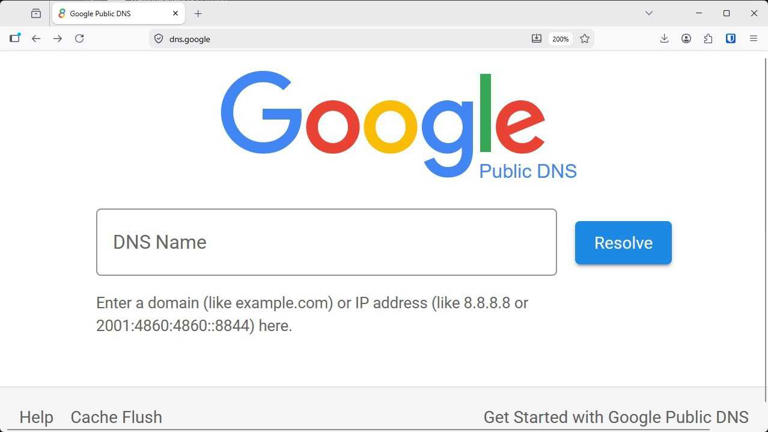
Most DNS server IP addresses are very simple. They’ll have addresses like 1.1.1.1 instead of the more complex addresses used by websites.
8.8.8.8 is the IP address of one of the two primary DNS servers operated by Google; 8.8.4.4. is the other one.
If you’re using IPv6 instead of IPv4, those two DNS servers will be 2001:4860:4860::8888 and 2001:4860:4860::8844 instead.
Why use Google’s DNS?
Most of the time, your default DNS settings are probably fine, but there are a few possible advantages to using Google’s DNS service.
Google’s web infrastructure is robust and has a number of redundancies, which means it is unlikely to get bogged down by excessive traffic or go down completely. As a result, it can sometimes be more reliable than your default DNS server.
Additionally, if your default DNS server has some kind of filter applied—which may be used to prevent you from connecting to specific addresses—switching to a different DNS server will allow you to connect to them.
8.8.8.8 supports DNS Over HTTPs
HTTPS is most commonly used to encrypt your internet traffic so that your online activities can’t be read by anyone that intercepts your traffic. It is a vital part of securing sensitive information, like your medical records, social security number (or equivalent), and credit card numbers against malicious actors or prying eyes.
Ordinarily, your DNS requests aren’t encrypted, which means that anyone that intercepts your DNS requests can see the websites you connect to, though not what you do once you’re there. However, you can use HTTPs to encrypt your DNS requests, which makes them unreadable to anyone besides you and the DNS server you send them to.
Google’s 8.8.8.8 DNS server does support DNS Over HTTPS (DoH), which means you can use it to hide your DNS requests from your ISP or anyone else besides Google.
Your ISP can always see what IP address you’re connected to unless you’re using a VPN, so using encrypted DNS doesn’t guarantee any sort of privacy.
8.8.8.8 hands more of your data to Google
Google sees every website you connect to
Switching to Google’s 8.8.8.8 DNS server does have some perks, but it also comes with one glaring drawback: Privacy.
When you switch your DNS server to 8.8.8.8—encrypted or not—Google is guaranteed to have full visibility of every website that you connect to.
If you’re trying to de-Google your life to regain some control over your privacy and data, using their DNS server is probably counterproductive. On the other hand, Google’s data collection apparatus is already massive and extremely effective, so in the grand scheme of things, it probably doesn’t matter all that much unless you go out of your way to avoid Google’s other tracking measures too.
What are other secure DNS servers?
If you want to avoid Google, there are other options
Google’s encrypted DNS service is only one of many available now. If you want to try and get a little bit more privacy from your ISP, there are some easy ones you can switch to:
Some of these services offer additional features that can help you customize what sites can be accessed. Many of them have multiple DNS servers available, some of which will automatically filter out known malicious sites, trackers, ads, and more, depending on which server you choose.
About Post Author


